

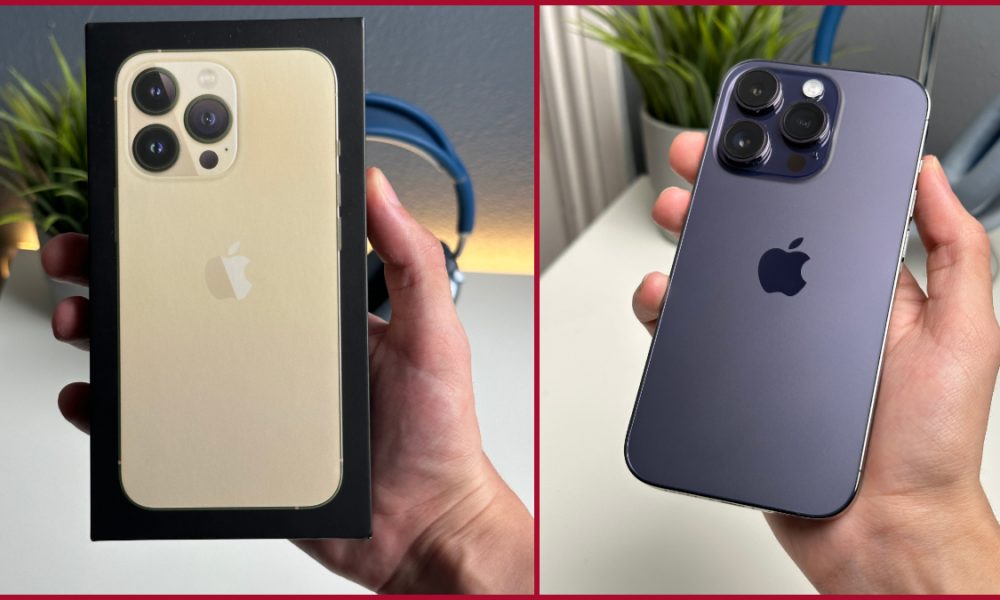
The operating system that powers your iPhone is incredibly robust. It can analyze complex images and shoot 4K videos, among many other things. You are able to write, compute, create, and play challenging games. Furthermore, there are so many functions in iOS, the iPhone’s operating system that a book would need to cover them all.
Despite all of this capability, there are dozens of cool features that most people are probably unaware of. You can save time, simplify your life, and improve your iPhone control with these features.
Activate the rear of your iPhone
By tapping the back of your iphone 16e, you can instruct it to instantly activate specific functionalities. Double and triple-tapping options may be found by going to Settings.
These shortcuts may be used to activate the camera, activate the flashlight, lock the screen, activate Siri, and much more. These settings can also be used to execute shortcuts you have made using the Shortcuts app and to activate accessibility features.
Flash for alerts
Activating LED Flash for Alerts from Settings is another helpful accessibility feature. You may keep your iphone se4 in silent mode and still get alerts if you do this because it will flash anytime you receive one. If you are close to your iPhone, you will see a flash even if it is screen-side up. If it is face down, the flash will be extremely bright.
Text substitutions
Think of Text Replacement as your own personal autocomplete or autocorrect option. It is one of the best hidden iPhone settings. When completing forms or responding to emails, this can save you time. Larger text replacements, such as boilerplate emails or other texts you would want to utilize frequently, can be included. Simply copy and paste the text into the Phrase area from another document.
You may also utilize Text Replacement to rectify the built-in autocorrect if you discover that it frequently makes mistakes when correcting what you enter. Simply enter the term that frequently gives you trouble in the Shortcut and Phrase sections.
Turn the keyboard into a trackpad
It is challenging to edit text on an iPhone. Using your finger to move the cursor around is incredibly inaccurate. You can use the keyboard as a touchpad and move the cursor around in text if you press and hold the space bar while typing. You can simply move the pointer to an exact spot with this, which is far more efficient than using your finger.
Use Control Center to access settings
You may enable, disable, and modify various features using the Control Center’s numerous widgets, which you can reach by sliding down from the top right corner of the screen. Among many other things, you can change the brightness and volume; turn on or off Bluetooth, Wi-Fi, and airplane mode.
You can access more options for many Control Center widgets by pressing and holding them. The volume and brightness sliders will enlarge as a result, giving you more exact control over them. You may see all of your Focus modes by pressing and holding the Focus widget. Additionally, you may access all of your scenes and settings by pressing and holding the Home widget if you control your smart home with the Home app.
